Forge Documentation
Forge is the Glassmkr monitoring dashboard. It collects metrics from your servers via the Crucible agent, evaluates alert rules, and notifies you through Email, Telegram, and Slack when something needs attention.
How it works
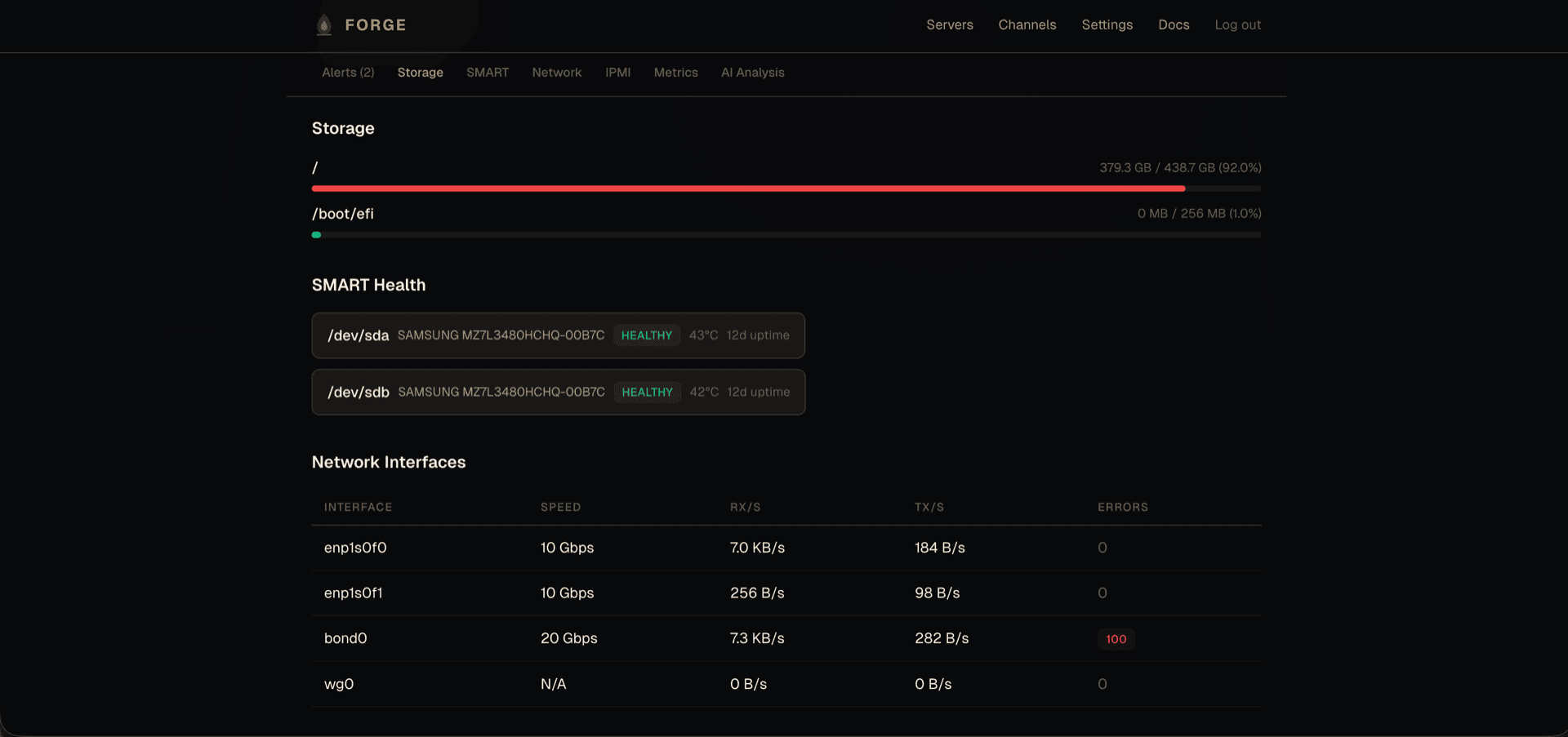
- Crucible runs on each server, collecting CPU, memory, disk, network, SMART, and hardware metrics every 5 minutes (300 seconds).
- Metrics are sent to the Forge API over HTTPS.
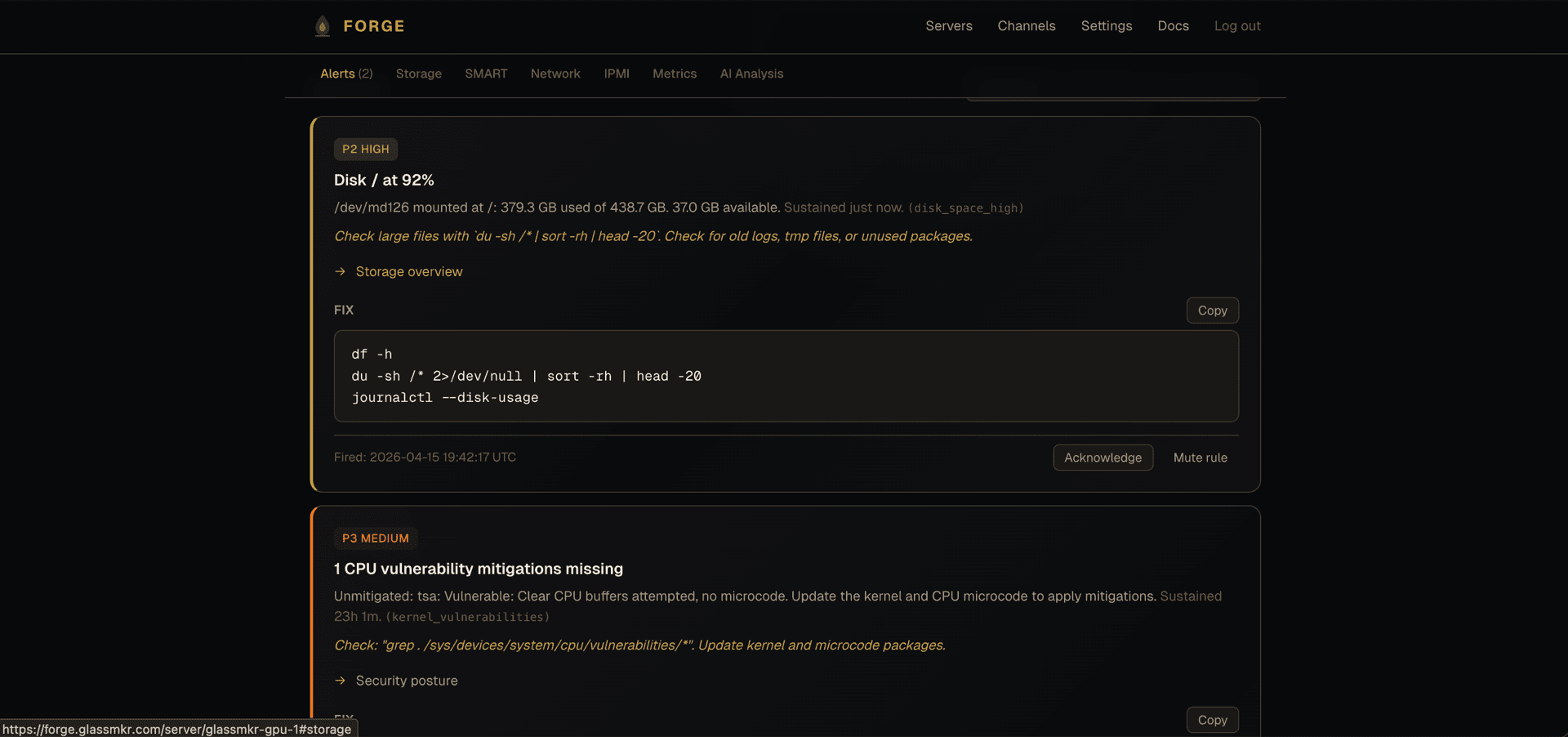
- Forge evaluates 38 built-in alert rules against incoming data.
- When a threshold is crossed, notifications are dispatched to your configured channels.
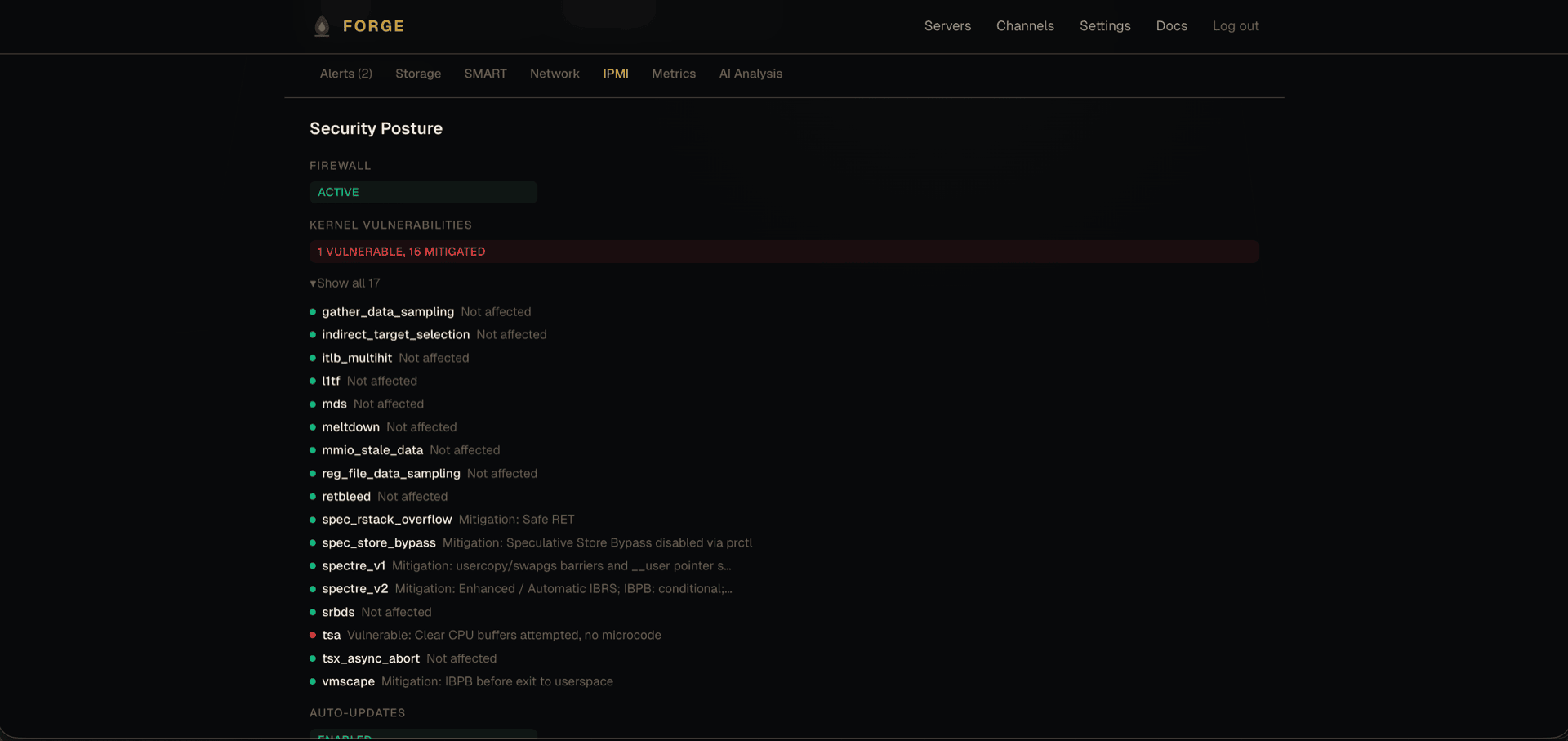
- The Forge dashboard shows real-time and historical data for all your servers.
Getting Started
Install Crucible on your server, register it with Forge, and verify that metrics are flowing.
Alert Rules
All 38 built-in alert rules: thresholds, severity, what they mean, and how to respond.
Configuration
Full YAML reference for /etc/glassmkr/collector.yaml with every option explained.
Notification Channels
Set up Email, Telegram, and Slack notifications with per-channel priority filtering.
Dashboard Guide
Navigate the Forge dashboard: server list, detail views, alert history, and settings.
API Reference
Every endpoint: authentication, server management, data ingest, health, channels, and alerts.
Troubleshooting
Common issues, error messages, and step-by-step solutions.
FAQ
Pricing, supported operating systems, resource usage, data storage, and more.